
Switching off auto mode feels intimidating. Three dials, a meter that bounces around, and the constant fear of missing the shot. The truth is that learning how to shoot in manual mode is not about memorizing theory, it is about knowing which numbers to start with and how to react when the light changes. This guide gives you exact starting settings for the scenarios you actually shoot, plus a simple decision process to adjust on the fly.
Why Manual Mode Is Worth the 30 Minute Learning Curve
Auto mode averages the scene. It does not know you want a creamy background for a portrait, or that you want to freeze a child running across a park. Manual mode lets you decide what matters: depth of field, motion, or noise. Once you understand the trade off between the three settings, you stop fighting your camera and start directing it.
The Three Settings You Actually Need to Control
Forget white balance and metering modes for now. Get these three right first.
- Aperture (f-number): controls how much light enters and how blurry the background is. Lower f-number (f/1.8) means more light and blurrier background. Higher (f/11) means less light and sharper everywhere.
- Shutter speed: controls how long the sensor is exposed. Faster (1/1000) freezes motion. Slower (1/30) creates blur or lets in more light.
- ISO: controls sensor sensitivity. Low ISO (100) is clean. High ISO (3200+) adds noise but rescues dark situations.
The Built-In Light Meter Is Your Best Friend
Look through your viewfinder or at your LCD. You will see a scale from -3 to +3 with a moving needle. Your goal in most situations is to get that needle close to zero. If it sits at +1, your image will be too bright. At -1, too dark. Adjust any of the three settings until you land near zero.
Step by Step: How to Shoot in Manual Mode
- Turn the mode dial to M.
- Set your ISO based on light: 100 for bright sun, 400 for shade, 1600 for indoors, 3200+ for dim rooms.
- Pick your aperture based on subject: f/2.8 for portraits, f/8 for landscapes, f/4 for groups.
- Adjust shutter speed until the light meter sits near zero.
- Take a test shot and check the image and histogram.
- Fine tune: if too dark, slow the shutter or raise ISO. If too bright, do the opposite.
Exact Starting Settings by Scenario
Use this as your cheat sheet. These are starting points, not commandments. Adjust based on what your meter shows.
| Scenario | Aperture | Shutter Speed | ISO |
|---|---|---|---|
| Outdoor portrait, sunny | f/2.8 | 1/1000 | 100 |
| Outdoor portrait, cloudy | f/2.8 | 1/500 | 200 |
| Landscape, golden hour | f/8 | 1/125 | 200 |
| Indoor, window light | f/2.8 | 1/160 | 800 |
| Low light, restaurant | f/1.8 | 1/100 | 3200 |
| Sports or kids running | f/4 | 1/1000 | 400 |
| Night cityscape (tripod) | f/8 | 10s | 100 |
| Concert or event | f/2.8 | 1/250 | 6400 |
Scenario 1: Portraits Outdoors
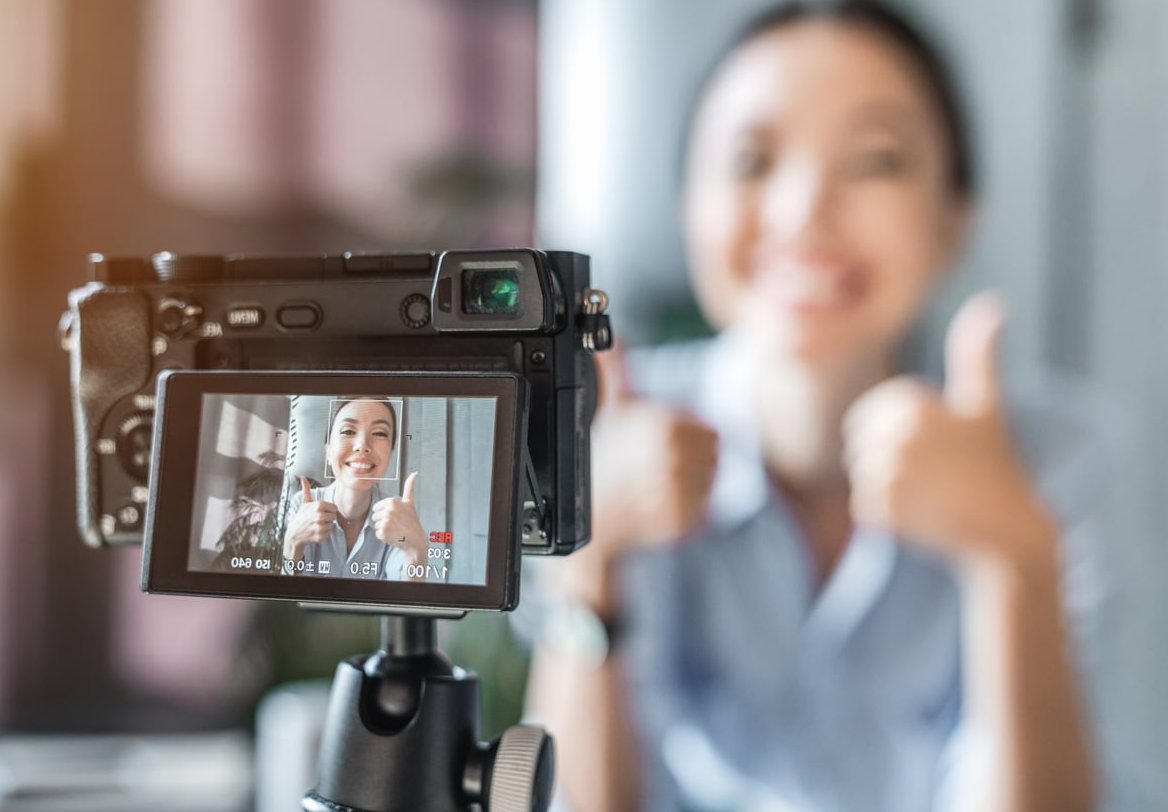
For a flattering portrait you want the subject sharp and the background dissolved into soft color. Open your aperture wide, around f/2.8 or f/1.8. In bright sun, your shutter speed will need to be fast (1/1000 or higher) to avoid overexposure. Keep ISO at 100.
How to adjust: if the meter shows +1 (too bright), raise shutter speed. If it shows -1, slow it down. If the sun goes behind a cloud, bump ISO to 200 or 400 rather than touching aperture, so your background blur stays consistent.
Pro Tip for Skin Tones
Slightly underexpose by 1/3 of a stop in bright light. Skin highlights blow out fast, and you can lift shadows in editing more easily than you can recover white spots.
Scenario 2: Low Light and Indoors
This is where most beginners panic. The rule: do not drop your shutter speed below 1/60 if you are handholding. Below that, hand shake causes blur.
Order of adjustments in low light:
- Open aperture as wide as your lens allows (f/1.8, f/2.8, f/4).
- Set shutter speed to 1/100 or 1/125 for static subjects, 1/250 for moving people.
- Raise ISO until the meter hits zero. Do not be afraid of ISO 3200 or 6400. A noisy sharp photo beats a clean blurry one.
Scenario 3: Outdoors and Landscapes
For sweeping landscapes you want everything sharp from foreground to mountains. Use f/8 to f/11. Keep ISO at 100 for maximum quality. Adjust shutter speed to balance the meter, usually somewhere between 1/60 and 1/500 depending on the hour of day.
If you shoot before sunrise or after sunset, your shutter speed will drop below 1/60. Mount the camera on a tripod and you can use shutter speeds of 1, 5, or 30 seconds without any issue.

How to Adjust on the Fly Without Panicking
Light changes constantly. Here is the mental shortcut:
- Image too dark? Pick one: open aperture, slow shutter, raise ISO.
- Image too bright? Close aperture, speed up shutter, lower ISO.
- Subject moving and blurry? Faster shutter, compensate with higher ISO.
- Background not blurry enough? Lower f-number, compensate with faster shutter.
Change one setting at a time. Most photographers leave aperture fixed for a session and adjust shutter speed and ISO as light shifts.
The Mistake Almost Every Beginner Makes
They obsess over getting the meter at exactly zero. Real photography does not work that way. A backlit subject will fool the meter into thinking the scene is brighter than it is. A snowy landscape will trick the meter into underexposing. Trust your eyes and the histogram more than the needle. If the photo on the screen looks right, it is right.
Practice Exercise for This Week
- Pick one subject (a coffee cup, a plant, a friend).
- Shoot it at f/2.8, then f/5.6, then f/11. Notice the background change.
- Then shoot it at 1/30, 1/250, 1/1000. Notice the brightness change.
- Then shoot it at ISO 100, 800, 6400. Notice the noise.
After 20 minutes of this, the relationship between the three settings will click permanently.
FAQ
Should I really shoot in manual mode all the time?
No. Aperture priority (A or Av) works great for changing light situations like weddings or street photography. Manual is best when light is consistent, like studio work, landscapes or controlled portraits. Most professionals switch between the two.
What is the easiest way to remember the settings?
Think of it as a bucket of light. Aperture is the size of the hole, shutter speed is how long the hole stays open, and ISO is how thirsty the bucket is. You need to fill it just right.
How do I switch to manual mode on my camera?
Turn the top mode dial to the letter M. On Canon it is M, on Nikon it is M, on Sony it is M, on Fujifilm you set both the aperture ring and shutter dial manually instead of using A.
Why is my photo dark even when the meter says zero?
Your camera meter can be fooled by bright backgrounds (it underexposes) or dark backgrounds (it overexposes). Switch your metering mode to spot metering on your subject, or simply override the meter and aim for +1 or -1 depending on the scene.
Is 1/60 really the slowest safe shutter speed for handheld?
For wide lenses, yes. For longer lenses, follow the reciprocal rule: 1 divided by your focal length. A 200mm lens needs at least 1/200 to stay sharp handheld. Image stabilization can buy you 2 or 3 stops more.
Does manual mode work on my phone?
Most modern phones have a Pro or Manual mode in the native camera app that gives you control over ISO and shutter speed, sometimes white balance and focus. Aperture is usually fixed on phones, but the rest of the logic in this guide applies.
Manual mode is not a test of skill, it is a tool. Start with the settings in the table, take ten shots, adjust based on what you see. Within a weekend of practice, your dial will move faster than your brain, and you will never want to go back to auto.