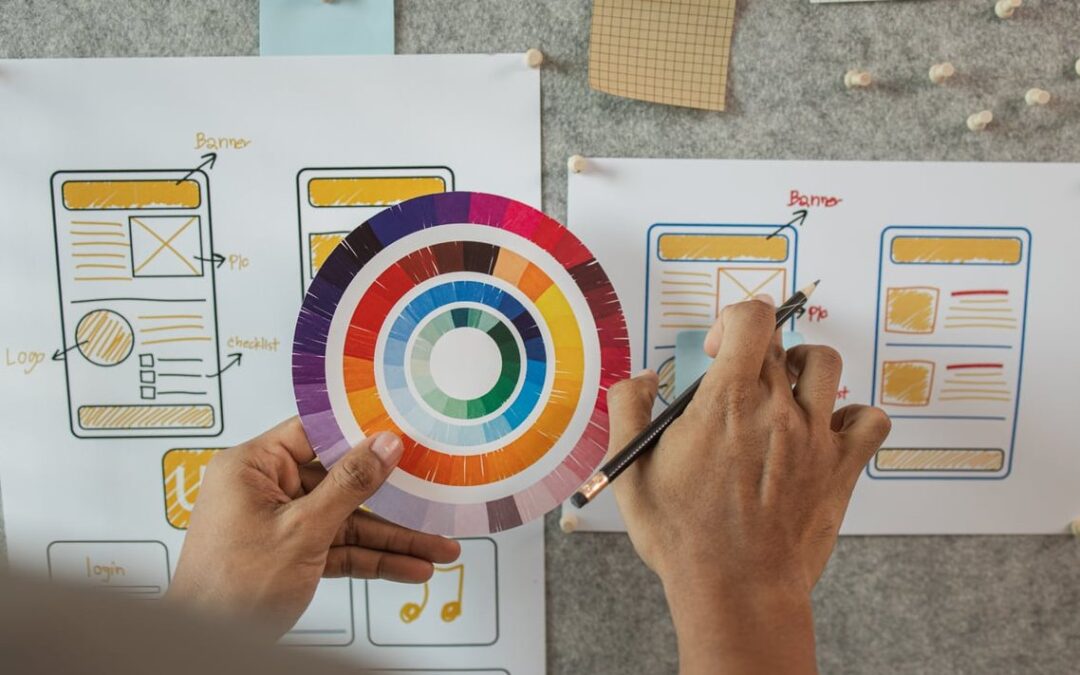
by Robert Wilcox | Aug 22, 2026 | Uncategorized
If you’ve ever looked at a magazine portrait and wondered how retouchers manage to keep skin smooth without making it look like a wax mannequin, the answer is almost always frequency separation. It’s the industry-standard technique used by professional...

by Robert Wilcox | Aug 18, 2026 | Uncategorized
How to Design a Logo in Adobe Illustrator: A Complete Beginner’s Walkthrough If you have ever wondered how to design a logo in Illustrator without getting lost in a maze of tools and menus, this guide is for you. At Impact Photography, we work with brands every...
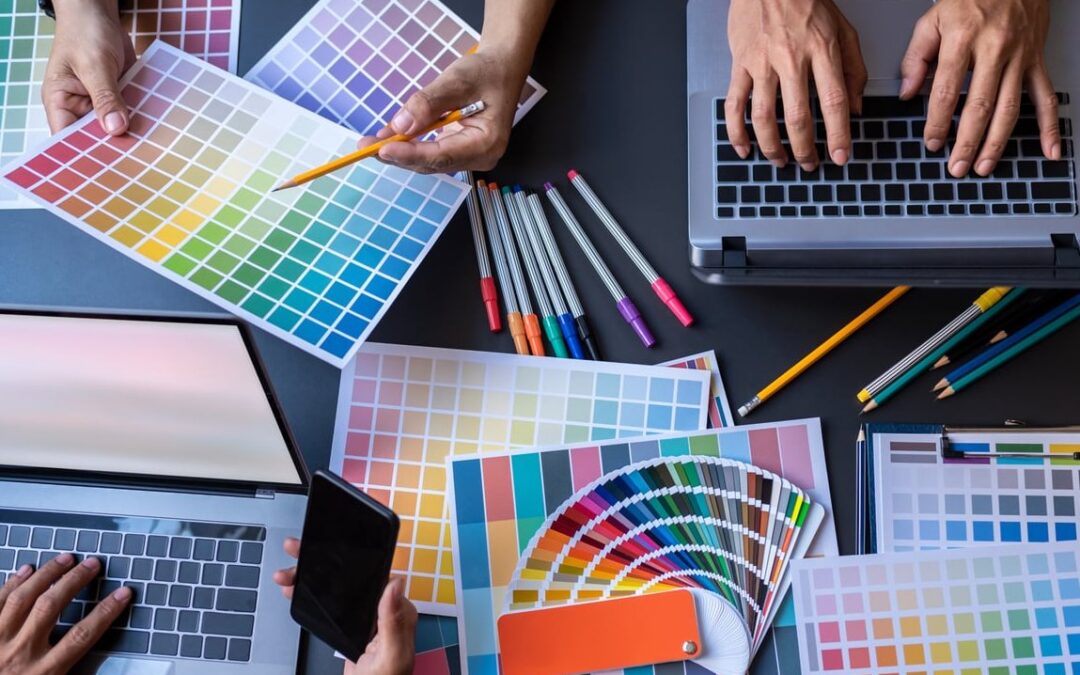
by Robert Wilcox | Aug 15, 2026 | Uncategorized
If your Instagram grid looks like a random mood board of everything you have ever shot, you are leaving followers, clients, and bookings on the table. A consistent Instagram feed photography style is not about being repetitive. It is about building a recognizable...
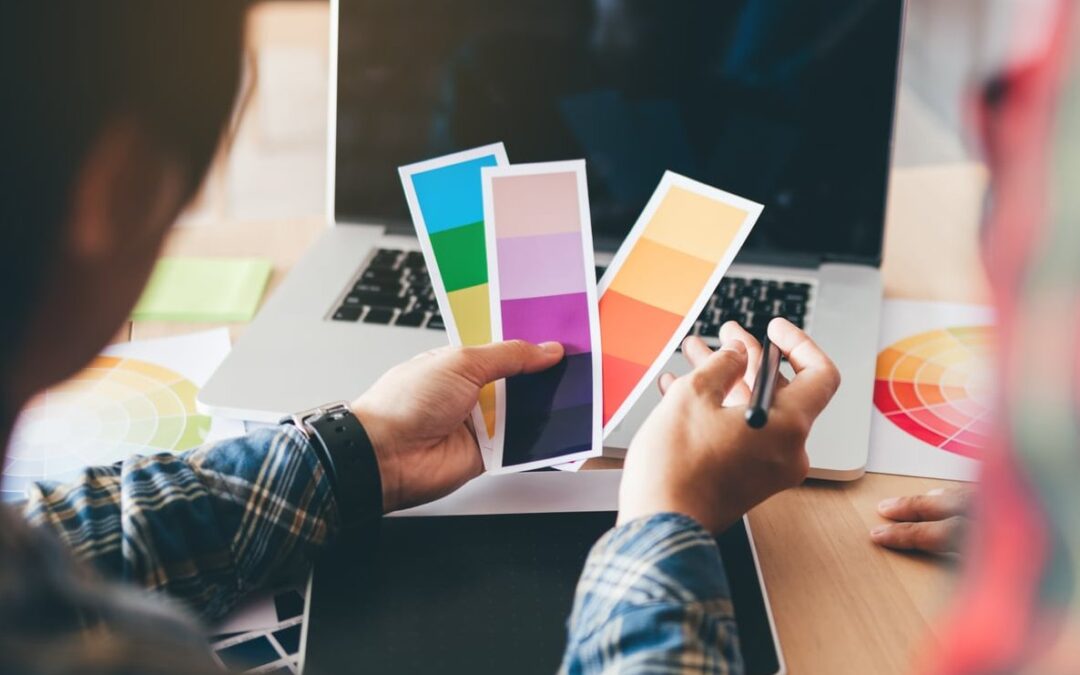
by Robert Wilcox | Aug 12, 2026 | Uncategorized
Starting out as a freelance photographer or designer is exciting, but there’s one uncomfortable truth nobody warns you about: talent alone doesn’t pay the bills, relationships do. If you’re reading this, chances are you’re staring at a blank...

by Robert Wilcox | Aug 9, 2026 | Uncategorized
If you’ve ever opened a print-ready trifold brochure in InDesign and wondered why your text is cut off, your fold lines are crooked, or your printer sends the file back with warnings, this guide is for you. Designing a brochure looks simple until you realize...